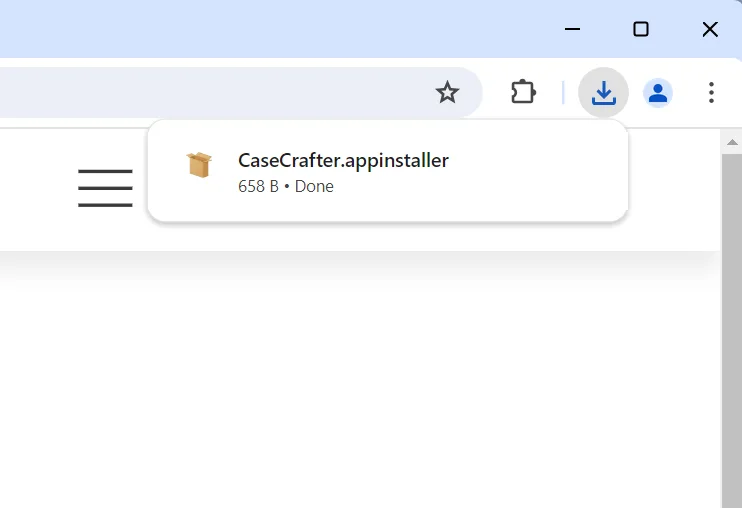
Open the CaseCrafter.appinstaller file in your browser’s download folder
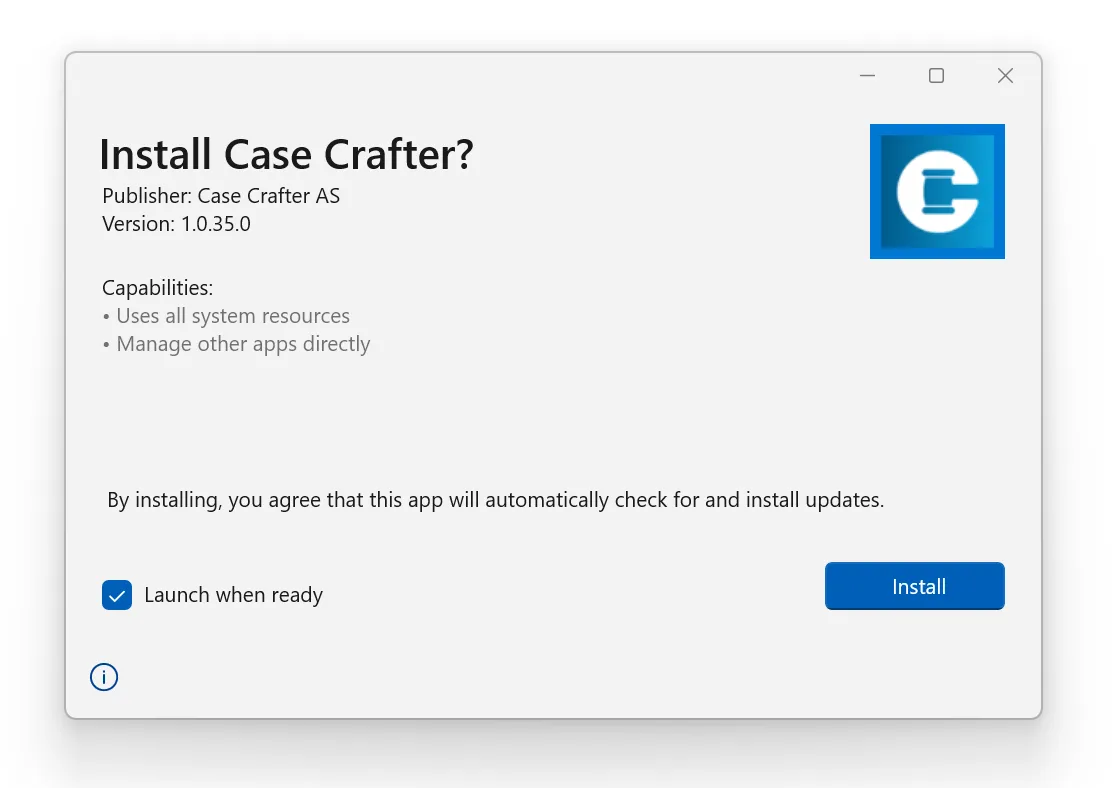
Step through the installer. Case Crafter will launch automatically when the installation is done
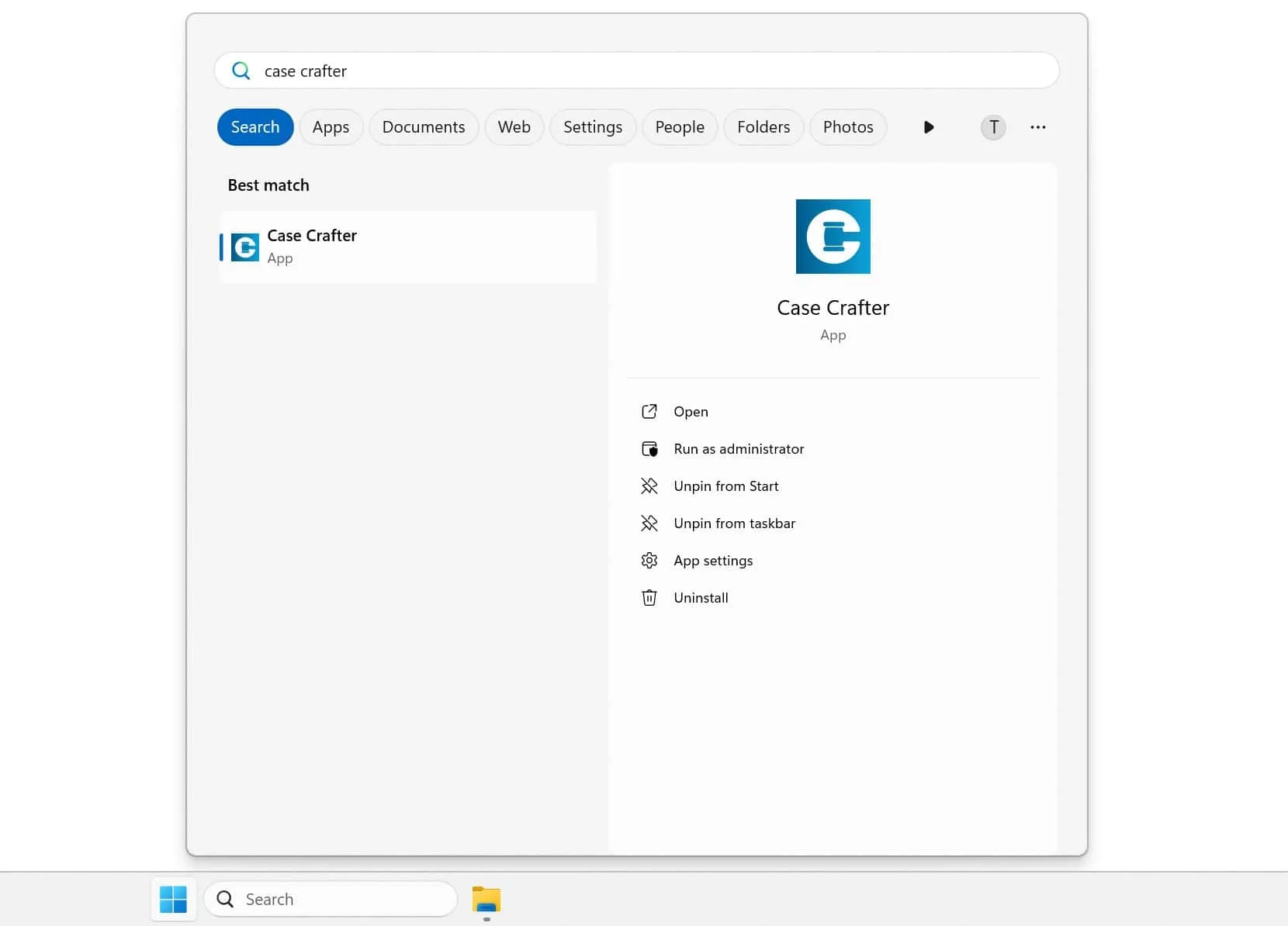
If Case Crafter didn’t open automatically click the start menu, type Case Crafter, and click Open
Find solutions to common installation problems in our Documentation
