
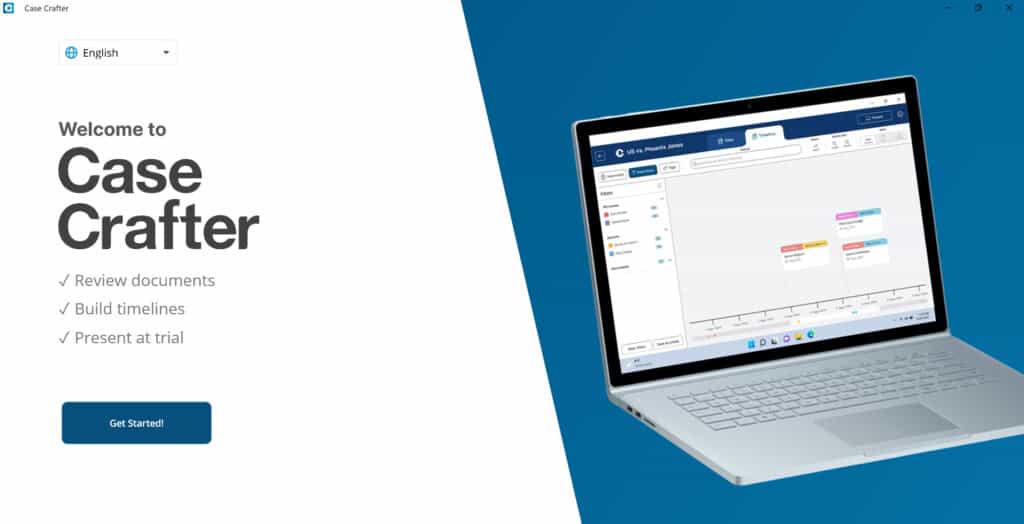
After you have installed the Case Crafter app, open the app. You are presented with the Welcome to Case Crafter screen.

NOTE: The app is available in English, Spanish, Portuguese, and Norwegian. You can choose your preferred language from the language menu.
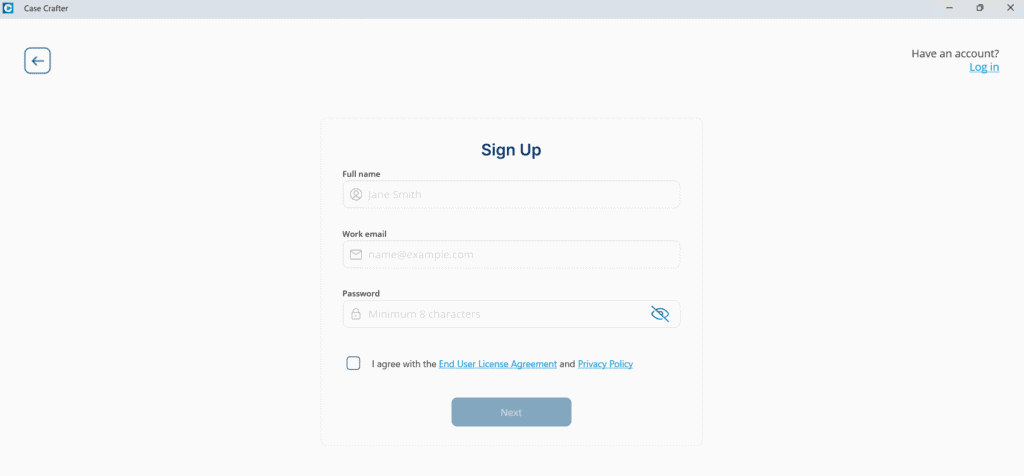
Click Get Started! to sign up. The Sign Up screen is presented.

If you already have an account, click the Log in link in the upper right-hand corner. See Log in for details.
To sign up, enter your full name, email address, and password. Your password must contain at least eight characters.
Review the End User License Agreement and the Privacy Policy, then check the box to indicate your agreement. Select Next.
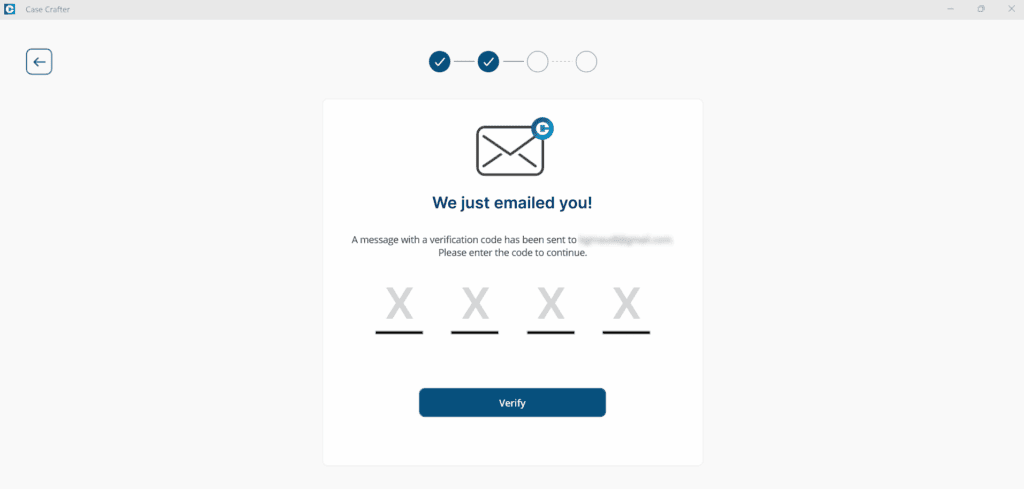
A 4-digit code is sent to the email address you used to sign up. Enter the code from the email and click Verify.

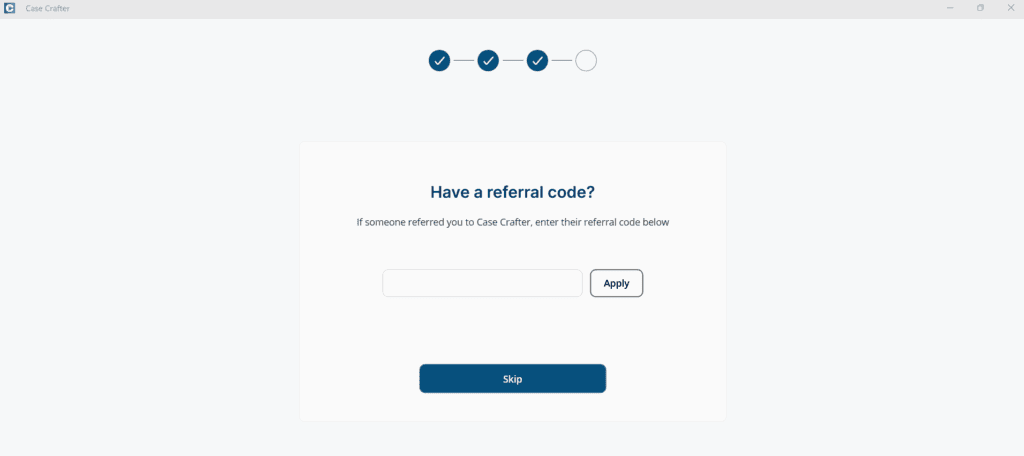
Enter a referral code if you have one, then click Apply, or click Skip.

Sign up is complete, and your 7-day free trial is now active. Your trial will expire in 7 days. You can start a subscription at any time. See Start Subscription.
Click Start using Case Crafter.
The Case Crafter app is opened.
New trial accounts start with a demo case already loaded, so you can open it and try the timeline, the review tools and present mode before you add your own files.